
Best AI tools for nonprofit organizations (Copy)
There are already thousands of AI tools, with new ones launching almost every day. Also, most existing software tools are implementing AI features. So it’s easy to get lost in that huge sea of options.
There’s also a lot of AI “hype” that makes it difficult to distinguish which tools are really reliable and useful, not just a flashy thing that will bring you more problems than solutions.
I will recommend here a few great tools that are useful for most nonprofit organizations. They are not the fanciest tools in the market, but the ones that will help you the most (better results, less work & less risks) with a small investment (easy to use and free or low-cost):
1) ChatGPT alternatives
Most people use ChatGPT just because it is the most famous AI tool. But in many cases, it’s not the best option. Here are a few interesting alternatives:
If you want to use the best models, check the LLM leaderboards
AI companies are constantly launching new models (more “intelligent”, with new features, etc.). The models behind ChatGPT (OpenAI) are sometimes not the best ones in the market. The ranking changes frequently, but other models (Google Gemini, Anthropic Claude, xAI Grok…) have been at the top for many months.
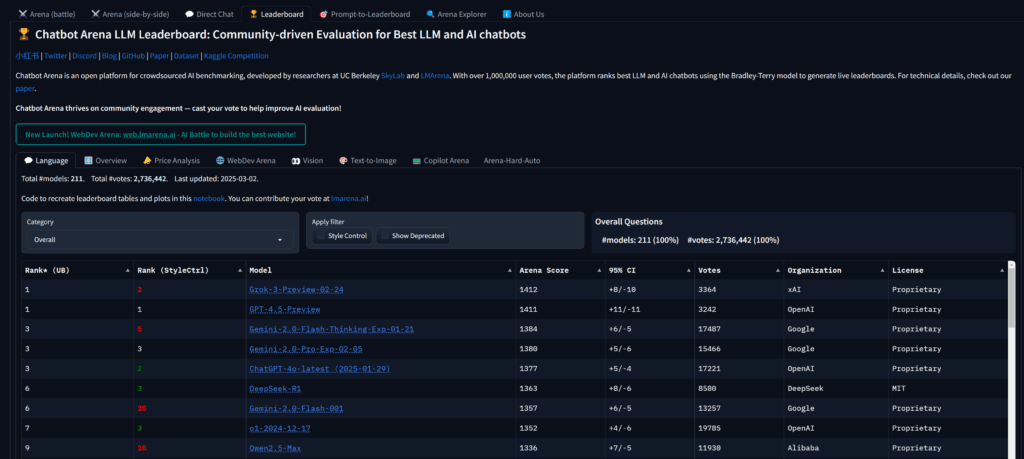
Also, what you get with the free version of ChatGPT is not the most intelligent model. You can get better ones for free on other platforms (or paying for ChatGPT). Try to check which model you are currently using and how it compares with the top AI models in the leaderboards.
It’s also important to realize that the most “intelligent” models (according to leaderboards or public benchmarks) are not the best option for every task. For example, reasoning models are great for logic problems, maths and coding. But non-reasoning models might be better for some writing and creative tasks (and cheaper in general). Also, there are specific AI research tools (Perplexity, Gemini Deep Research, OpenAI Deep Research…) that are much better for finding reliable data and sources than “normal” AI chatbots. So check the leaderboards, but also do your own testing (try your key prompts with different models/tools).
If you want extra privacy and/or more eco-friendly options, use local tools
If you have a powerful computer, you can run open-source AI models 100% free and privately using tools like LM Studio or Ollama.

ChatGPT and most online competitors have some privacy and security risks. Some of them improve their systems with your conversations or usage patterns. And even if the providers don’t use your data at all, the servers or online accounts can still get hacked, giving access to bad actors to all your conversations and files.
These risks can be minimized (select the tools and settings that offer better privacy, avoid sharing sensitive data or erase quickly those conversations, offer AI and cybersecurity training for your team…). But it’s usually even safer if you run the AI models on your own computer (everything will be 100% private unless your computer gets hacked).
It can also be more eco-friendly, since instead of running on big server farms (that consume a significant amount of electricity and water), it’s running on your own computer. The difference in environmental impact can be big if you compare running the biggest reasoning models on the cloud vs. small models on your laptop.
But running AI models on your computer is not perfect, it has 2 main downsides:
- Open-source models are usually a bit behind the top commercial models. The latest ones are good enough for many tasks, but they are usually not the most intelligent models in the market.
- You need a powerful computer to run the biggest (more “intelligent” models) and get results quickly. If you have an average laptop, you will only be able to use smaller models and the responses could take some time to appear. You will get the best results with a desktop computer with a very good graphic card, but the best Mac laptops give decent results too.
2) Automation (“AI agents”)
The main buzzword lately has been “AI agents”. The theory is that intelligent “robots” will do most of the work for us. We will just have to tell them what we want to achieve and they will figure out how to do it.
There are some promising AI agents for specific tasks (eg. Coding agents like Cursor), but “open agents” that can handle a lot of different tasks are still too unreliable, slow and/or expensive. They also face problems that will be difficult to solve, such as solving captchas and avoiding other “anti-robot systems” in websites and other platforms.
For most nonprofit organizations (and specially smaller ones), it’s better for now to focus on improving workflows with some AI help: Connect your current platforms and data with AI tools for very specific tasks, so they can be automated or improved in a reliable and cheap way.
For example, we could try asking a generic AI agent: “Check the latest post in our blog and publish several related messages on our social media profiles”. But that’s a lot of steps and decisions for the agent, it could take a few minutes for each post, you have to pay for all that work/compute and there is a high chance that something will go wrong (not being able to log in due to captchas or other security measures, not identifying your latest blog post correctly, using the incorrect social media profile to publish, etc.).
Or we can just connect your blog and social media profiles to AI tools (using an integration tool like Make) and configure all the steps properly, instead of leaving all decisions to an unreliable AI agent. Then the whole process can be completed in seconds, for a few cents and with no unexpected errors.
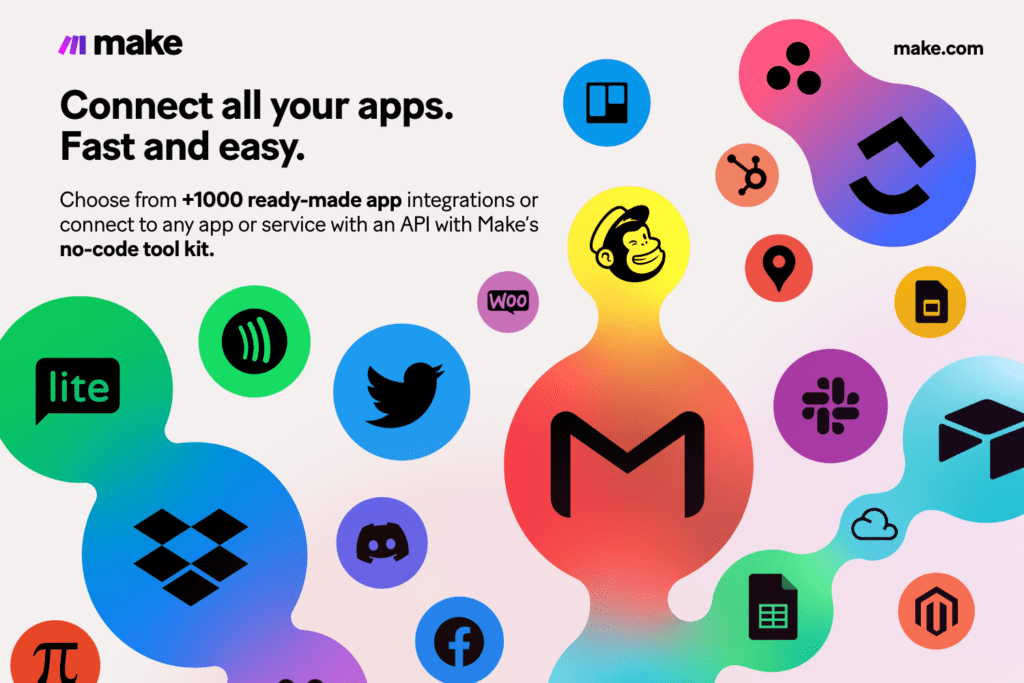
We can automate a lot of tasks on a nonprofit organization using Make + AI tools, such as for example:
- Automating donor workflows (also possible for partners, volunteers, job candidates, etc.). For example, whenever you get a new donor, send personalized thank-you emails with AI help, add AI recommendations and ideas to your CRM for staff to follow up based on all available data for that person, add tags/categories or do lead scoring automatically using AI, etc.).
- Grant research & writing. Use a tool like Browse AI to browse online grant databases, find the grants that are a good fit for your organization and add them to a Google Sheet or send you an email. You can even use another AI tool to automatically create a draft for each new grant detected or give you custom recommendations to apply (maybe using Browse AI again to find useful information on the grantor’s website).
- Automated content creation. Every time you post a new blog post, automatically “repurpose” it for all your platforms (using AI to create content optimized for each one): create short posts for Threads and Bluesky, longer posts for Facebook and Linkedin, images for Instagram, automated videos or script ideas for Youtube and Tiktok, emails for your newsletter, PR ideas (possible pitches for journalists or influencers), possible ad campaigns, etc. It can create drafts (so you can review them) or publish automatically some of those contents using Make.
NOTE: The most well-known tool for integrations is Zapier, but it’s expensive compared to competitors. There are also open-source solutions like n8n that you could run for free on your own server, but unless you have a big IT team, it’s probably not worth the hassle. I think Make offers the best balance between features, number of integrations available, price and ease-of-use.
3) AI for communications, marketing and fundraising
Depending on your specific needs, you might want to use one or several of these AI tools:
- Publish on social media with AI assistance (writing the posts, captions, hashtags, etc.)? ContentStudio.
- AI help for more content types (blog posts, graphics, videos, etc.)? Simplified.
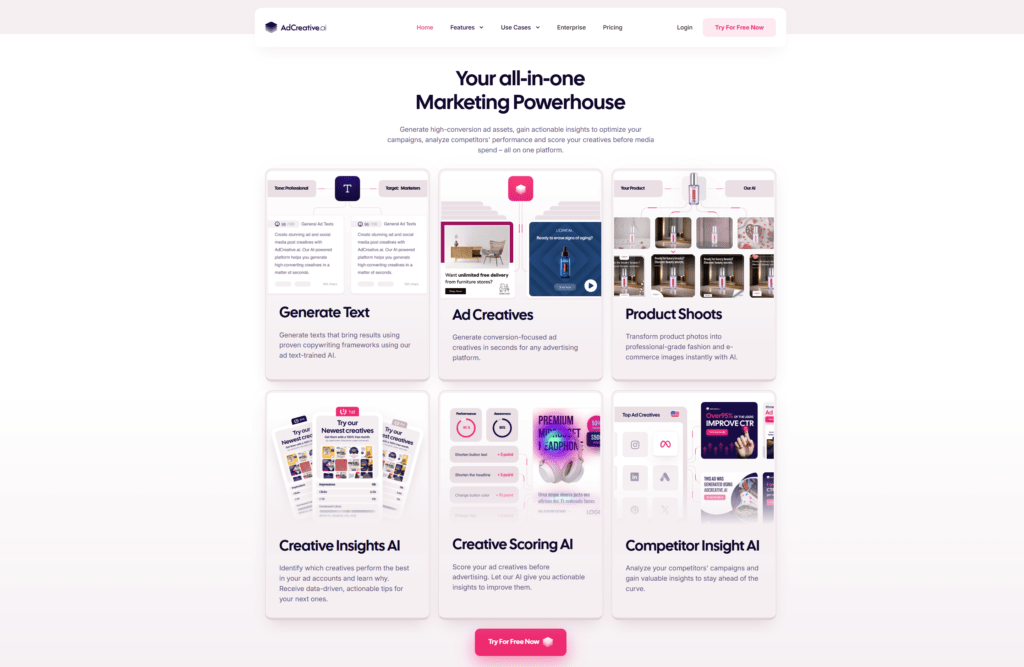
- Better ads for your campaigns (images and videos)? AdCreative.
- Sales tool to contact partners, sponsors, major donors and other stakeholders? Apollo.
- Analyze data (for example, the results of a certain campaign)? Powerdrill.
- Custom AI automations from scratch, tailored to your specific needs and workflows? Make (and its integrations with many social media platforms and marketing tools).
4) AI for images, video and audio
ChatGPT and other “generic” AI tools offer options to create images or other content directly in the chat. But they are usually quite limited (just 1 result/image each time, no advanced settings/options, etc,). It’s better to use specific tools.
For images, you might want to try several options: Leonardo, Adobe Firefly, Ideogram, Recraft, etc. All the main providers are constantly improving their models and there is usually no clear winner for all types of images (some are better for photorealistic images, others for illustrations or designs with letters/typography).
If you want to create “artistic videos” from scratch (things like “an elephant flying in the middle of New York”), you have a few options like Runway, Kling, or Luma. But they are still quite limited (take several minutes to generate a few seconds, there are usually more errors than in images…).
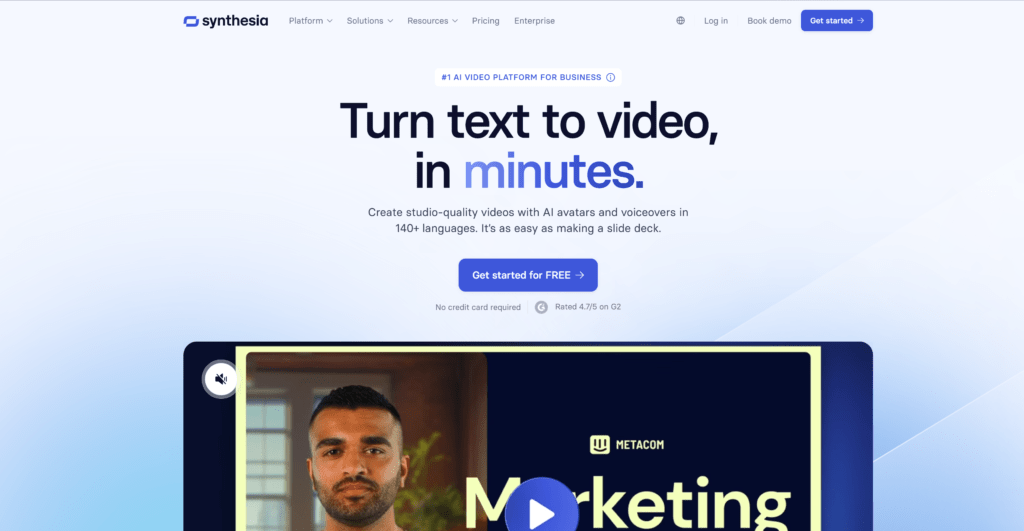
Also, it’s usually more useful for nonprofit organizations to create “explainer videos” (presentations of specific initiatives, events, reports, guides, etc.). You can use tools like Synthesia to create long explainer videos that are a good fit for your brand image in a few minutes.
For audio generation, there are great tools like Murf and Elevenlabs. It’s easy and fast to create voiceovers for videos (selecting one of their professional voices or cloning yours), translations to many different languages, etc.
*️⃣ Pro tip
Before buying a new tool, check if they offer a special discount for nonprofits. I also recommend checking Secret: It gives you access to +100 deals for free and many more if you subscribe to their Premium plan. If your organization uses many online tools, you could save thousands of dollars (especially the first year).
Next steps
Check the “AI Course for nonprofits”. Improve results, save time, and avoid risks.
Receive personalized help. AI questions? Request a free consultation!
Discover the best AI tools. Don’t use ChatGPT for everything, there are better options!
Subscribe to the newsletter “AI for Nonprofits”. Receive the latest guides and tools.